Automate Google Review Requests
A Sugar Land dental practice went from 31 reviews to 127 in 6 months. See the exact automated sequence that boosted their rating to 4.7 stars.
Sunridge Dental in Sugar Land had 31 Google reviews and a 3.9-star average when Dr. Marcus Webb’s office manager pulled the audit in August 2024. They were not a bad practice. They were an invisible one. On Google, a 3.9 average with 31 reviews signals mediocrity to a prospective patient who has never met Dr. Webb and has three other options on the same block with 4.6 and 180 reviews.
The office manager set up a six-month review automation sequence in September. No one asked a patient in person. No one handed out cards with QR codes. No one posted a sign in the waiting room.
By February 2025, Sunridge had 127 Google reviews at a 4.7-star average. They had fielded more than 30 new patient inquiries specifically mentioning their reviews as the reason the patient chose them over another practice.
The difference was not patient satisfaction. It was infrastructure.
Business details anonymized. Based on a real LeadExploder account matching this profile.

Why do most practices have far fewer reviews than their patient volume warrants?
A practice seeing 200 patients per month should be able to accumulate 200 reviews per year if even 20% of patients responded to a review request. Most practices with that volume have fewer than 100 total reviews, often accumulated over years.
The gap is a systems problem, not a patient satisfaction problem. Three failure modes account for nearly all of it.
The first is timing. Asking for a review at checkout, or in an email three days later, is asking at the wrong moment. The patient is either rushed or has already mentally moved on from the appointment. The experience is no longer vivid.
The second is friction. Sending a review request that requires the patient to find Google, search the practice name, and navigate to the review form is asking them to do four steps when one-tap links make it one step. Friction kills completion rates.
The third is inconsistency. Front desk staff ask on good days and forget on busy ones. Some providers prompt at checkout, others do not. An automated system asks every time, for every patient, with no variability based on who is working the front desk.
What are the four variables that actually determine review conversion?
Timing, channel, personalization, and friction. Every other variable is noise.
Timing is the one operators most frequently get wrong. The review request should arrive when the patient’s experience is most positive and most vivid. For aesthetic and dental practices, that is within 90 minutes of leaving the appointment, before any post-procedure discomfort has set in and before the patient has moved on to the rest of their day. For home services, it is within 4 hours of job completion. The longer you wait, the lower the conversion.
Channel is SMS, not email. Email review requests convert at 1% to 3% for most practices. SMS review requests convert at 8% to 15% when paired with a direct link. Patients read texts. They archive emails.
Personalization means the message references the specific treatment, the specific provider, and the specific patient’s name. A generic “Thank you for visiting us. Please leave a review.” performs worse than “Hey [First Name], thanks for coming in for your [treatment] with [Provider Name] today.” The patient knows you are talking to them.
Friction means a one-tap link that opens directly to the Google review dialog, not a link to the Google Maps listing where the patient has to find and click the “Write a review” button themselves. Every additional step cuts completion.
What does the SMS template actually look like?
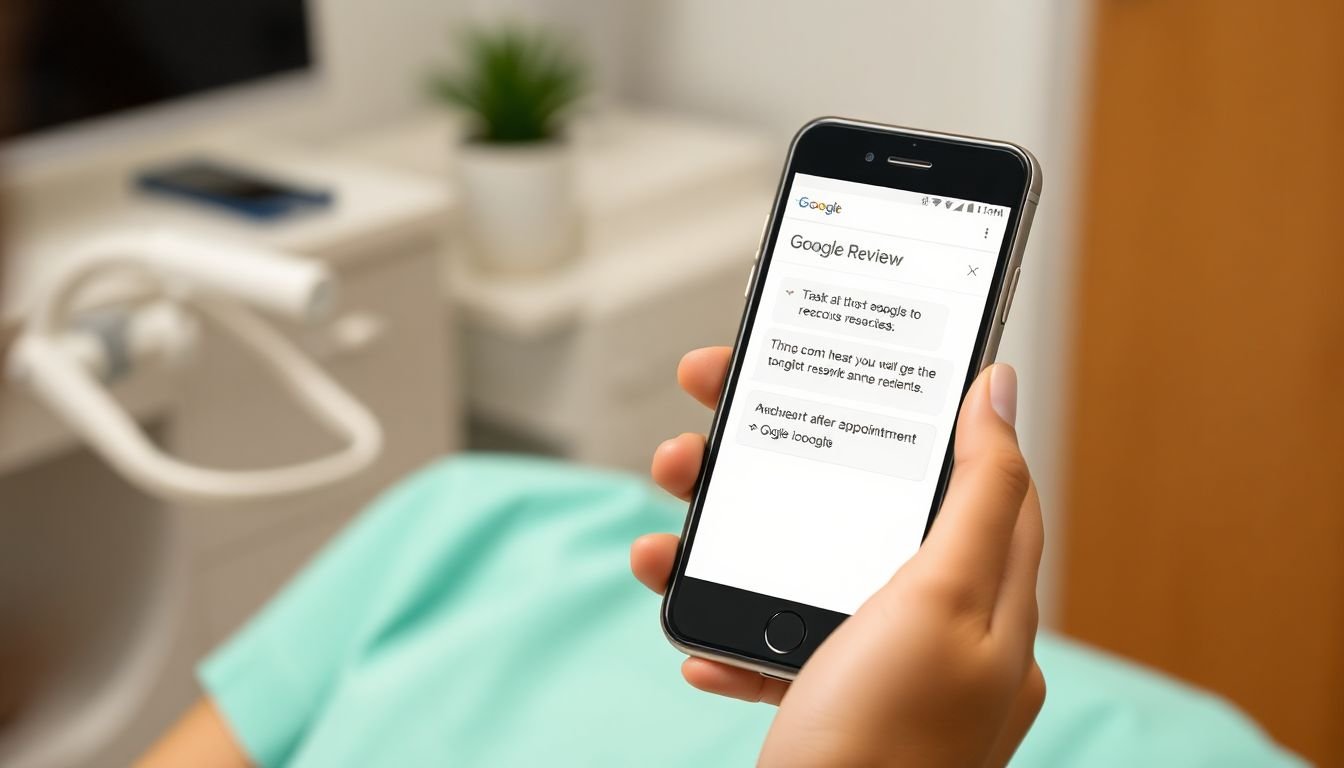
The message that converts looks like this:
[Patient First Name], thanks for coming in today for your [treatment] with [Provider Name]. If you have 90 seconds, a quick Google review means the world to us and helps other [City] residents find us. Here is the direct link: [one-tap Google review link]. Thank you! [Practice Name]
Four elements: name, specific treatment, one-tap link, no pressure. The message sounds like a person sent it because it references what the patient actually did today. It does not say “we value your feedback” or “your opinion matters to us.” It says what it means and links directly to where you want them to go.
How to generate your one-tap Google review link
The direct review link is not the same as your Google Maps listing URL. The short link opens the review form immediately when a patient taps it on their phone. Here is how to generate it.
Log into Google Business Profile at business.google.com. Select your business location from the dashboard. In the left menu, click “Home.” Look for the card labeled “Get more reviews” on the home screen. Click the button labeled “Share review form.” Google will display a short link in the format g.page/[your-business-name]/review. Copy that link. That is the one-tap link that goes into every review request SMS.
If you do not see the “Get more reviews” card on the home screen, navigate to “Manage reviews” in the left sidebar, then look for a share icon near the top of that panel. Some Google Business Profile layouts vary slightly depending on when the account was created.
Test the link on your own phone before deploying it. Tap it and confirm it opens the five-star review dialog directly. If it opens a Google Maps listing instead of the review form, generate the link again. The short links occasionally expire during Google’s interface updates and need to be refreshed.
Multi-channel review request strategy: SMS first, email second

A single-channel strategy leaves conversion on the table. Not every patient acts on the first SMS. Some patients prefer email. A two-channel sequence captures both groups without being pushy.
The sequence works like this. Send the SMS within 90 minutes of the appointment, as described above. Monitor for 48 hours. If the patient does not open the SMS link within that window, send a follow-up email. The email should be short, three to four sentences at most, with the same one-tap link embedded prominently.
The email follow-up converts at roughly 30% to 40% of the rate of the initial SMS, but that still adds meaningful volume across a practice seeing hundreds of patients per month. For a practice with 200 monthly patients, even a 3% email conversion on non-SMS responders adds 6 reviews per month. Over a year, that is 72 additional reviews.
The key rule: do not send both in rapid succession. A patient who receives an SMS and an email within the same hour perceives that as aggressive. The 48-hour gap signals that you checked in once, gave them time, and followed up. That cadence is acceptable. Simultaneous multi-channel pressure is not.
Re-engaging past patients who have never left a review
Existing patients who have been coming to your practice for two or three years and have never left a review represent the most underused review source in most practices. They already have a relationship with you. Their satisfaction is demonstrated by the fact that they keep returning. They just have never been asked.
The re-engagement message is distinct from the post-appointment request. It acknowledges the ongoing relationship rather than referencing a specific recent visit.
A re-engagement template might read:
Hi [First Name], we have really appreciated having you as a patient. If you have ever had a good experience with our team and have not yet left a Google review, your feedback would help other patients in [City] find us. Here is the direct link if you have 60 seconds: [link]. Thank you! [Practice Name]
This message works because it does not manufacture urgency or anchor to a specific appointment. It is simply a direct ask from a business the patient already trusts. Re-engagement campaigns sent to patients with no review who have been active in the last 24 months typically convert at 5% to 8%, which is lower than the post-appointment sequence but far higher than zero.
Run the re-engagement campaign once per patient. Do not repeat it. If they did not respond the first time, a second re-engagement request crosses from follow-up into pressure.
Google’s review gating policy: why you cannot sort happy from unhappy
Review gating is the practice of asking patients how they feel before sending them to Google, then only routing happy patients to the review form while directing unhappy patients to an internal feedback form. Google’s policies explicitly prohibit this.
The distinction between a service recovery intercept and review gating comes down to sequence and outcome. A check-in message that goes to all patients and routes problems to staff for resolution before the review request is sent is legitimate, because the review request still goes out to everyone afterward. A system that asks “How was your experience?” and only sends the Google link to patients who answer positively is gating, regardless of how it is structured in the backend.
If Google identifies a review gating pattern, the consequences include removal of reviews and potential suspension of the Google Business Profile. The risk is not theoretical. Practices that explicitly screen for sentiment and suppress the unhappy segment have had their review profiles reset by Google.
The compliant approach: ask every patient, every time, with the same message and the same link. If you learn about a problem through a check-in message, solve it. But the review request still goes out.
For detailed guidance on what to do once a negative review posts, see how to respond to negative reviews and the section on review velocity that explains how your total volume protects your rating against occasional negative outliers.
What is the negative review intercept, and when does it apply?
Google’s policies prohibit review gating, which is directing unhappy patients away from Google and only sending satisfied patients to the review form. You cannot ask “How was your experience?” and only send the five-star link to patients who say “great.”
What you can do is route service recovery before the review request. If a patient had a problem, resolving it before they open Google is both good practice and legitimate. The intercept works like this: the system sends a brief check-in message approximately one hour after the appointment. If the patient indicates any issue, the check-in routes to a staff member for direct follow-up before the review request is sent. The review request still goes out, and the patient decides what to write. The intercept creates the opportunity to solve the problem, not to suppress a review.
The check-in message is short:
Hi [First Name], just checking in after your visit today. Is there anything we can do to make sure everything went well? We want every patient’s experience to be great. [Practice Name]
If the patient has no concern, the review request follows 90 minutes later. If they flag something, the system notifies the front desk immediately.
How should a practice respond to a negative review once it is posted?
The response to a negative review is not for the reviewer. The reviewer is unlikely to change their mind based on anything you write. The response is for the next prospective patient reading the review thread who wants to know how the practice handles problems.
The response template:
Thank you for the feedback. We are sorry your experience did not meet the standard we hold ourselves to. We would like to understand what happened so we can address it. Please contact us directly at [phone or email] at your convenience. We take every concern seriously. [Practice Name]
Three rules: respond within 24 hours, never include patient health information or appointment specifics in the response (HIPAA exposure), and never argue. Acknowledge, invite direct contact, and close. Prospective patients reading that response see a practice that is responsive and professional. That is the audience that matters.
What does the timing formula look like by vertical?
The optimal send window shifts by vertical, based on when the experience is freshest and when patients are most likely to act.
For dental practices: 60 to 90 minutes post-appointment, when the patient has left the chair and the numbness has not fully worn off. The appointment is still the most recent notable event in their day.
For aesthetic practices (injectables, laser, facials): 2 to 3 hours post-appointment, after the patient has had time to check the mirror and see early results. Patients who feel good about their results at the 2-hour mark are highly motivated reviewers.
For medical spas with longer-recovery procedures (microneedling, deep chemical peels): 24 to 48 hours, once the acute discomfort has passed and early results are visible. A review request sent while a patient is red and uncomfortable is a bad ask.
For home services (HVAC, plumbing, roofing): within 4 hours of job completion, while the technician is still in the neighborhood and the relief of a solved problem is current. Same-day completions drive higher review rates than next-day follow-ups.
What does the math look like for a practice building review volume?
Sunridge Dental was seeing 220 patients per month. At a 10% SMS review request conversion rate, that is 22 new reviews per month. Over 6 months, 132 reviews. Their actual result: 96 new reviews over 6 months, at roughly an 8% conversion rate on the automated sequence.
At the start: 31 reviews, 3.9 stars. At the end: 127 reviews, 4.7 stars. The star improvement came primarily from two factors: the 96 new reviews skewed positive (because patients with good experiences are more likely to respond to a low-friction request), and the intercept check-in caught three at-risk patients before they posted, allowing staff to resolve the issues.
More than 30 of the 127 reviews directly mentioned Sunridge’s rating as a factor in the prospective patient’s decision to book. At an average new patient value of $1,400 over 24 months, those 30 conversions represent $42,000 in patient lifetime value attributable to the review system.
The system costs $497 per month. The math does not require a spreadsheet.
What to do this week
Pull your Google Business Profile. Look at your total review count and your current star average. Then calculate what your review count should be based on how many patients you have seen in the last two years.
If the number you have is less than 10% of the patients you have served, you have an infrastructure gap, not a satisfaction gap. Your patients are not unhappy. They just are not being asked at the right moment, in the right channel, with the right link.
The fix takes one afternoon to set up and runs automatically from that point forward.
Book a demo and see the review automation sequence running live.
Alex Rocha is the founder of Mastodon Marketing, a Houston-based growth agency that runs marketing for service businesses across 70+ client sites. He built LeadExploder as the operating system he wished his clients had on day one. Learn more about Alex →
Frequently asked questions
What is the best way to ask patients for a Google review?
SMS is the highest-converting review request channel, outperforming email by 3 to 4 times for medical and aesthetic practices. The request should arrive within 2 hours of the appointment, reference the specific treatment or provider by name, and include a one-tap link directly to the Google review form. Personalization and timing are the two variables that matter most.
When is the best time to send a review request?
Within 90 minutes of service completion for most health and beauty verticals. For dental and aesthetic practices, the patient's experience is freshest immediately after leaving and before the post-procedure discomfort sets in. For home services, the window is broader: within 4 hours of job completion while the technician is still on site context.
Does automating review requests violate Google's policies?
Automated review requests do not violate Google's policies as long as you are not selectively asking only happy customers (review gating), incentivizing reviews with discounts or gifts, or asking staff to post reviews. A system that sends every patient the same request after every appointment is compliant. A system that routes dissatisfied patients away from Google is not.
How should a practice respond to a negative Google review?
Respond within 24 hours, do not include patient health information or appointment details in the response, acknowledge the concern without admitting liability, and provide a direct contact for resolution. The response is not for the reviewer. It is for the next prospective patient reading the reviews who wants to see how the practice handles problems.