After-Hours AI for Restoration Companies
Tampa restoration gets 60% of calls after 10 PM. See the AI flow, escalation protocol, and SMS that turns 3 AM floods into dispatched jobs.
David Ramos runs Coastal Rapid Restoration out of Tampa, Florida. He has 8 technicians and handles water, fire, and mold damage across Hillsborough and Pinellas counties. David pulled his call log in January 2026 and found something he had suspected but not quantified: 63% of his emergency calls came in between 10 PM and 6 AM. Of those, only 41% reached a live person. The rest hit a voicemail box or a phone that rang until it dropped.
His average water damage job is $4,800. He estimated he was losing 6 to 8 calls per month to the after-hours gap. At the midpoint of $4,800, that was $33,600 per month in jobs that went to whoever picked up next.
The problem is structural. A 3 AM flood call requires an immediate response, an on-call tech who gets a clear dispatch notification, and a homeowner who is confident help is actually coming. A voicemail box fails all three conditions. Here is how an AI receptionist handles it instead.
Operator details anonymized. Based on a real LeadExploder account matching this profile.
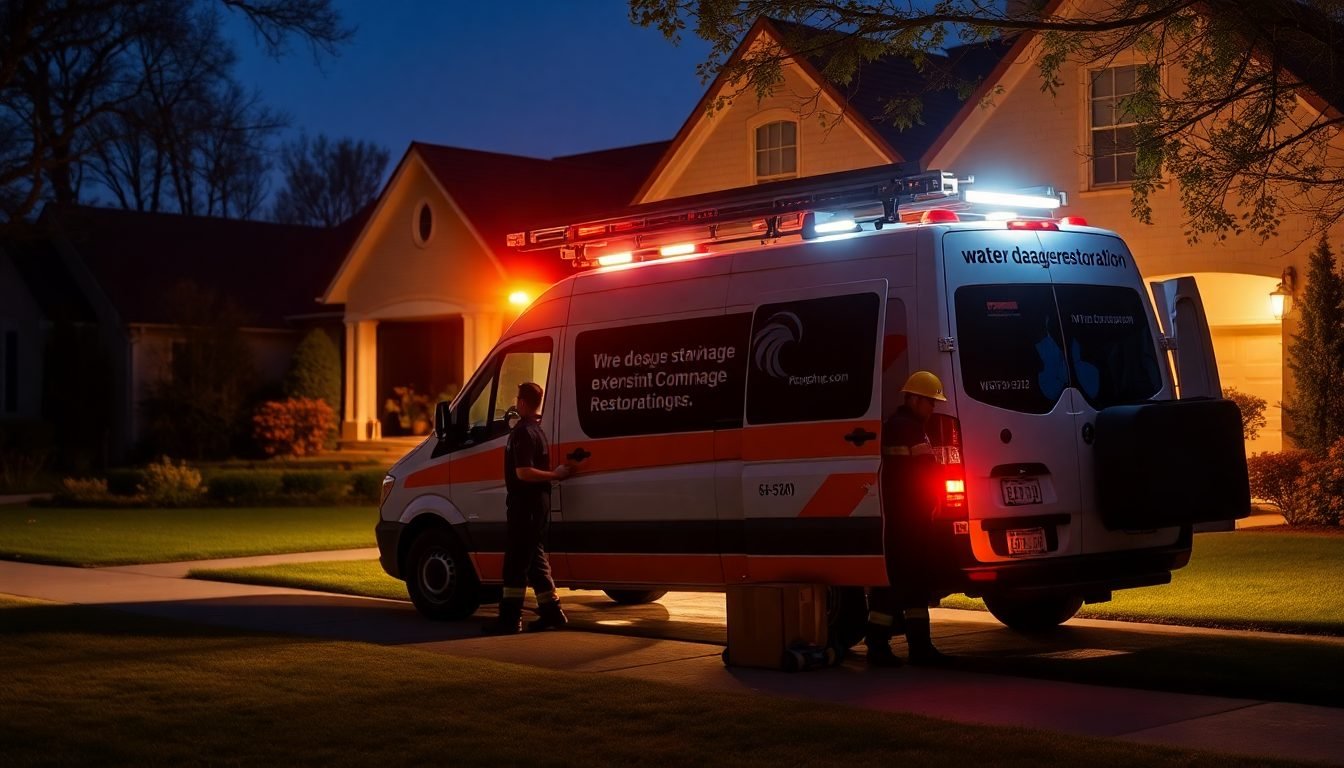
Why is a 3 AM restoration call completely different from a business-hours call?
A homeowner who calls at 10 AM to get an estimate for a water stain on their ceiling has time. They can wait for a callback. They are probably comparing two or three companies and will make a decision by end of week.
A homeowner who wakes up at 3 AM to find two inches of water in their kitchen is in crisis. They are not comparison shopping. They want to know, right now, that someone is on the way. If your phone goes to voicemail, they hang up and call the next number they find. The first restoration company that gives them a confirmed arrival window gets the job. Every other company gets nothing.
The emergency call requires three things in the first 90 seconds: acknowledgment that this is a real emergency, a clear next step (tech is being notified), and a confirmed time window. An AI receptionist delivers all three consistently, at any hour, regardless of whether your on-call tech is asleep.
What does the emergency triage script look like?
The AI runs a condensed emergency intake script that prioritizes speed and reassurance. Here is the exact flow David uses:
LeadExploder After-Hours Emergency Script
“You’ve reached Coastal Rapid Restoration emergency line. I’m here to help right now.
First: is anyone in your home in immediate danger? [If yes, tell them to call 911 and stay on the line]
What’s the address of the property? [Capture address]
Tell me quickly: is water actively coming in, or has the source been stopped? [Active source = higher urgency flag]
Which rooms are affected? [Capture scope]
Do you have homeowner’s insurance? [If yes] What carrier are you with? [Capture carrier]
I’m notifying our on-call technician right now. You’ll get a text confirmation in the next 2 minutes with the tech’s name and an arrival estimate. The target arrival window is 60 to 90 minutes.
Is [phone number] the best number for the tech to call when they’re 15 minutes out? [Confirm contact]
You’re confirmed. Help is coming.”
That is the entire script. It runs in under 2 minutes. The homeowner hears the words “notifying our on-call technician right now” within the first 60 seconds. That is what keeps them from hanging up and calling someone else.
What does the on-call tech SMS look like?
The moment the AI confirms the job, it fires an SMS to the designated on-call tech. The message is structured so the tech has everything they need before they even look up the address.
On-Call Tech Dispatch SMS
EMERGENCY DISPATCH - Coastal Rapid Restoration
Customer: Jennifer Albright Address: 4821 Cypress Landing Dr, Tampa FL 33624 Phone: (813) 555-0194 Time Called: 3:12 AM Issue: Active water intrusion, kitchen + living room, source stopped (burst pipe under sink) Insurance: Citizens Property Insurance - claim not yet opened Arrival window promised: 60-90 min
Call customer when 15 min out. Job ID #7841 in app.
The tech wakes up with a full picture: address, scope, insurance carrier, arrival window already communicated to the homeowner, and a job ID to pull up in the mobile CRM. No callbacks to the office, no scrambling for details, no homeowner wondering if anyone actually got the message.
Secondary damage assessment intake: capturing scope beyond the first call
Most restoration companies think of the AI intake call as the initial emergency capture. But the AI can do more than that if you configure it correctly. Specifically, it can capture secondary damage indicators that affect scope, pricing, and insurance approval before the tech ever sets foot in the door.
Secondary damage in a water intrusion event includes: flooring types in affected areas (hardwood vs. carpet vs. tile, each with different drying protocols and replacement costs), whether any cabinets or drywall below the water line are wood-based, whether contents have been moved or are still in the affected space, and whether any HVAC vents are in the floor of the affected rooms (a common secondary spread vector that insurance adjusters check for).
Add these questions to the intake script after the scope is captured:
“What type of flooring is in the affected areas? [Pause.] Are there any cabinets or built-ins below the water line? [Pause.] Is your HVAC system running? Some air handlers can spread moisture through the ductwork.”
Each answer populates a field in the CRM record that your tech reviews before arrival. The difference between arriving with this information and arriving without it: the tech who has it can pre-load the right drying equipment in the van, estimate the drying timeline more accurately, and start the insurance documentation process faster on site.
For an overview of how the after-hours emergency text-back flow integrates with AI voice answering on after-hours calls, that post covers the SMS-first recovery path for calls the AI does not answer in time.
Mold concern intake: what to ask and what not to promise

Mold calls are a distinct call type from water damage calls, and the intake protocol is different for two reasons: liability and timeline.
A homeowner calling about active flooding wants a tech dispatched tonight. A homeowner calling about a suspected mold problem is almost certainly not in immediate danger and may have been living with the condition for weeks or months. Dispatching an emergency tech to a mold concern call at 2 AM is not appropriate and costs you a labor hour with no corresponding urgency.
The mold intake script should:
- Ask how long the condition has been present and whether there is any active water source.
- Ask whether there is anyone in the home with respiratory conditions (this flags a legitimate urgency factor).
- Book a business-hours inspection, not an emergency dispatch.
- Ask the caller not to disturb the affected area before the inspection.
What the AI should never say on a mold call: anything that sounds like a diagnosis, a confirmation that mold is present, or a statement about health effects. “It sounds like you may have a mold problem” is fine. “That is definitely toxic mold and you need to leave the house” is not fine and creates liability.
The mold intake script can add a flagging note to the CRM: “Mold concern, inspection required, do not dispatch emergency.” That single flag ensures the call does not get processed as an after-hours emergency and prevents an on-call tech from getting woken up for a scheduled assessment.
Residential vs. commercial restoration intake: the flows are not the same
Most AI configurations for restoration companies are built around residential homeowners. That is the majority of call volume. But commercial property calls, including calls from property managers, apartment complex maintenance supervisors, and facility managers, have a different intake requirement.
A residential homeowner calling about 2 inches of water in their kitchen makes the job decision themselves. The AI captures their information, books the dispatch, and the job proceeds.
A commercial property manager calling about water intrusion in a 12-unit building has a decision chain. They may need to notify the property owner before authorizing work. They need documentation of scope before signing a work authorization. They may be working within a property management company that has a vendor approval list.
The commercial intake script should:
- Identify that the caller is a property manager, not the property owner.
- Ask for the property management company name and the property address.
- Ask whether the property owner has been notified.
- Capture the square footage or unit count of the affected area.
- Offer a same-day inspection with a written scope and estimate before any work begins, rather than committing to an immediate dispatch.
The commercial call should not go through the residential emergency dispatch path. A 12-unit apartment complex with a slab leak is a large job, but the decision timeline is different. Routing it through an emergency path with a 90-minute arrival window creates an expectation the property manager cannot fulfill on their end.
Configure the intake routing to split on the first question: “Is this for a residential property or a commercial property?” Everything downstream is different.
For a complete protocol on the AI emergency dispatch protocol for mixed residential and commercial restoration companies, that post covers the dual-routing setup in detail.
How does the AI know when to escalate to the on-call tech versus scheduling for morning?
The escalation decision is based on trigger phrases and caller responses. The system routes to emergency dispatch when the call contains any of the following: active flooding, sewage backup, pipe burst, water actively coming in, ceiling caving, or fire damage. It also escalates when a caller describes water that has spread to multiple rooms or has been present for less than 12 hours (where mitigation timing matters most for insurance).
If the caller describes a stain that has been there for weeks, a slow drip that is not worsening, or a mold concern with no active water, the AI books a business-hours assessment and logs the lead. The on-call tech does not get woken up. The homeowner gets a confirmed morning appointment.
The threshold is configurable. David set his conservatively: when in doubt, dispatch. A $4,800 job that gets dispatched at 3 AM is worth the tech’s time. A business-hours estimate call that accidentally goes to dispatch is a minor inconvenience, not a crisis.
What does the ROI look like for after-hours coverage?
David was losing an estimated 7 after-hours calls per month before the AI was running. Here is the before-and-after:
| Scenario | After-hours calls captured | Conversion rate | Monthly revenue |
|---|---|---|---|
| Voicemail (before) | 2 of 7 (28%) | 70% | $6,720 |
| AI receptionist (after) | 7 of 7 (100%) | 70% | $23,520 |
| Monthly difference | $16,800 |
At $497 per month for the platform, the payback period on after-hours coverage alone was 11 days.
The math changes based on your close rate and average ticket. But the direction of the math never changes. Every call that goes to voicemail at 3 AM is a job that goes to the company that picked up.
What to do this week
Pull your call log from the last 30 days. Filter for calls that came in between 9 PM and 7 AM. Count how many went to voicemail. Multiply that number by your average ticket value. Then multiply by your close rate.
That number is the after-hours revenue gap. Compare it to $497 per month.
Book a demo and see the after-hours emergency call flow running live.
Alex Rocha is the founder of Mastodon Marketing, a Houston-based growth agency that runs marketing for service businesses across 70+ client sites. He built LeadExploder as the operating system he wished his clients had on day one. Learn more about Alex →
Frequently asked questions
Will an AI receptionist wake up my on-call tech in the middle of the night?
Yes, and it only does so when the triage confirms a true emergency. The AI distinguishes between a caller who says their basement flooded tonight versus someone asking about a quote for a previous water stain. Emergency keywords trigger the on-call SMS immediately. Informational calls get a follow-up scheduled for business hours.
What insurance information should the AI capture on a water damage call?
At minimum: the homeowner's insurance carrier name, whether the damage appears to be sudden and accidental (covered) versus slow and gradual (often excluded), and whether they have already opened a claim. Capturing the carrier name before dispatch lets your tech know which forms to bring and how that adjuster prefers to coordinate.
How fast should a restoration company respond to a 3 AM water damage call?
IICRC standards and most insurance carrier SLAs expect a water mitigation company to be on site within 2 to 4 hours of an emergency call. Every hour of delay increases the likelihood of secondary damage, mold risk, and a reduced scope of coverage approval. The AI's role is to eliminate the gap between the call and the tech being notified.
What does a water damage job average in the Tampa metro?
A standard water mitigation job in Tampa involving 1 to 2 affected rooms runs $3,500 to $6,500 depending on material types, square footage, and whether contents removal is required. Using $4,800 as a midpoint, a restoration company that recovers 2 additional after-hours jobs per month covers a full year of an AI platform in the first six weeks.