Mortgage pipeline automation, mapped
A Dallas broker missed 3 rate-lock windows tracking 47 loans manually. Discover the automation that prevents costly delays and errors.
Robert is a mortgage broker in Dallas who runs a two-person shop: himself and a processor. In Q4 2024 he had 47 loans in various stages of the pipeline. He was tracking all of them in a shared Google Sheets document. Color-coded by stage, updated manually, reviewed every morning.
Three of those loans missed their rate-lock windows.
Operator details anonymized. Based on a real LeadExploder account matching this profile.

Two of the three were in the processing stage, waiting on conditions from the underwriter. One was in approval, waiting on the borrower to return a signed document. In each case, someone knew the deadline was approaching. Nobody escalated in time.
The rate-lock misses cost each borrower approximately $1,400 in rate exposure. In two of the three cases, the borrower was frustrated enough with the experience that they did not refer Robert to their realtor contact afterward. One of those realtors had been a consistent source of business for two years.
The spreadsheet was not the problem. The problem was that a spreadsheet does not do anything when a deadline is 5 days away. It just sits there.
Why does mortgage pipeline management break down at scale?
A spreadsheet works when the pipeline is small and the LO has bandwidth to monitor every row daily. Once a pipeline exceeds 15 to 20 active loans, that monitoring becomes the job. The LO is not originating, not following up on new leads, not building referral relationships. They are reading and updating a spreadsheet.
The cost of that time is not just hours. It is the leads that do not get called back because the LO was reviewing pipeline status. It is the referral partner who called at 6 PM and did not get a response until 9 AM. It is the three loans that missed their rate-lock window because the row got lost in 47 other rows.
Automation does not replace the LO’s judgment. It handles the monitoring so the LO can use judgment where it actually matters: in conversations with borrowers and referral partners.
The first-responder advantage in mortgage shows up again here: the same LO who wins the initial inquiry with a 5-minute response loses it at close when the pipeline management falls apart. Automation has to work at both ends.
What automation belongs at the inquiry stage?
The inquiry stage begins the moment a lead submits a form, calls the office, or is referred by a realtor. The automation here is about speed and qualification.
Within 5 minutes of inquiry, LeadExploder sends an outbound SMS and initiates a Voice AI call. The call qualifies loan purpose (purchase or refi), approximate purchase price, down payment availability, and employment status. If the borrower is ready to talk, the call transitions to the LO. If not, the call books a callback and sends a confirmation.
Automated inquiry SMS:
Hi [First Name], this is [LO Name]‘s team at [Company]. We just received your inquiry and wanted to connect right away. Quick question: are you looking to purchase or refinance, and is your timeline within the next 60 days? Reply here or call us at [Number].
Every inquiry that comes in after hours gets the same SMS within 5 minutes. The LO wakes up the next morning with a sorted list of replies instead of a stack of missed calls to triage.
What happens at the pre-qualification stage?
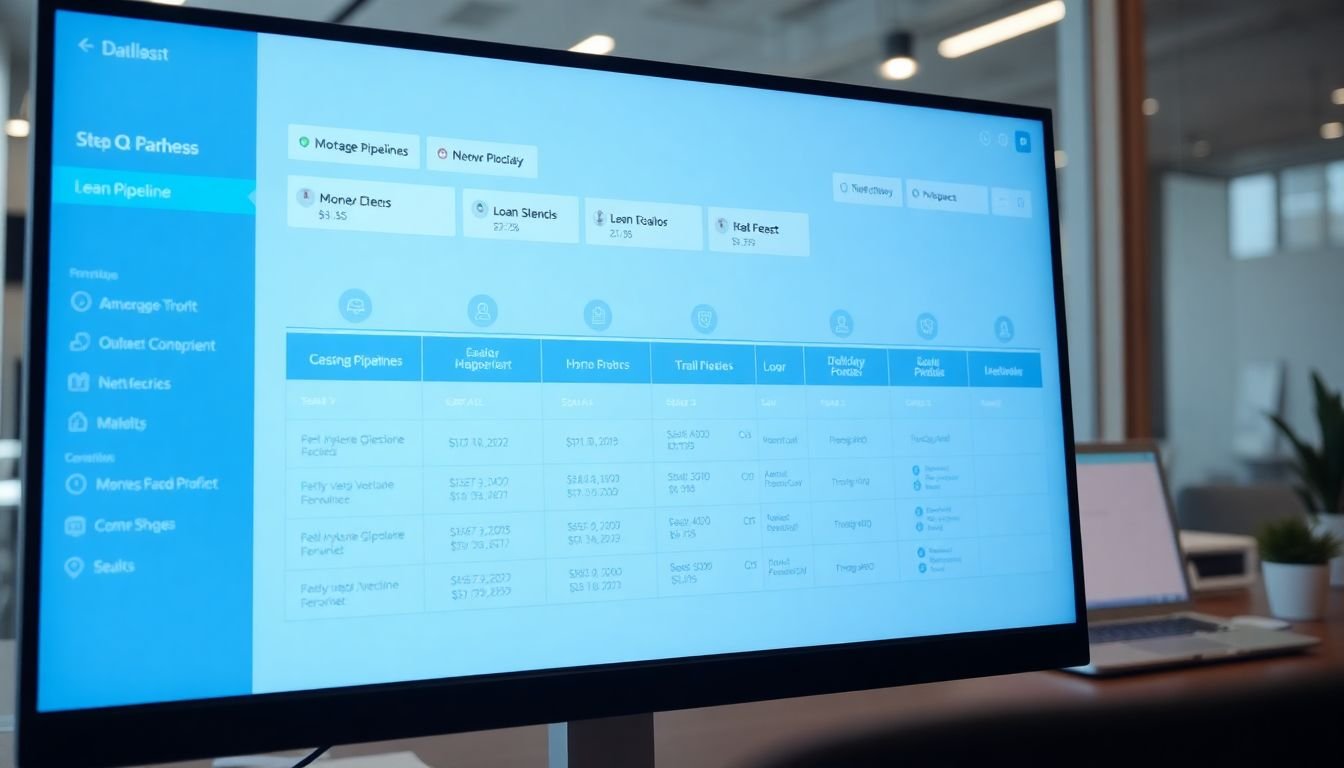
Pre-qual is where loans die most often before they should. The borrower is engaged enough to discuss their situation; they are not yet committed enough to gather their documents.
Automation at this stage keeps the borrower moving and keeps the LO informed of stalls.
When a lead is moved to the pre-qual stage in the pipeline, LeadExploder sends a welcome sequence: what to expect, what documents to gather, and a simple link to the document portal. The sequence follows up every 48 hours until the documents are received. Most borrowers respond within 72 hours. The ones who do not get a personal call from the LO flagged by the system.
Automated pre-qual stage SMS:
[First Name], great talking with you today. To move forward on your pre-approval, we’ll need a few documents: last 2 pay stubs, last 2 years of W-2s, and a recent bank statement. You can send them here: [Link]. Takes about 10 minutes. Any questions, just reply.
The LO does not send this manually. It fires when the lead is moved to the pre-qual stage in the CRM.
What automation belongs at the application and processing stages?
Application is a handoff moment. The borrower has submitted their information and now enters a period of waiting. Most borrowers do not understand what happens during processing, which creates anxiety, which creates inbound calls to the LO asking “Where are we?”
Automation eliminates most of those calls by proactively answering the question.
When a loan moves to the application stage, the borrower receives a confirmation SMS and an email outlining the typical processing timeline: what happens, in what order, and when to expect next contact. This single message reduces inbound status calls by a significant margin.
Automated application acknowledgment SMS:
[First Name], your application is in. [LO Name]‘s team will review everything and reach out within 1 business day. In the meantime, our processor may contact you directly if any additional documents are needed. You’re in good hands.
Processing is where rate-lock monitoring becomes critical. Robert’s Q4 problem originated here. LeadExploder sets a rate-lock expiration date field at the time of locking and automatically schedules alerts at 10 days, 5 days, and 1 day before expiration. If no stage update is logged in the pipeline within the 5-day alert window, the system creates a task for the LO and sends an escalation notification.
Automated rate-lock 10-day alert to LO (internal):
Rate lock for [Borrower Name] expires in 10 days on [Date]. Current stage: processing. Conditions outstanding: [List]. Action required before [Date minus 5 days] to request extension if needed.
The borrower also receives a proactive message at the 10-day mark:
[First Name], quick update: your rate is locked in through [Date]. We’re on track, and [LO Name] will give you a status call by [Date minus 3 days]. Nothing needed from you right now.
Rate-lock window tracking in detail

The rate-lock alerts above are part of a more complete tracking logic that catches problems earlier than most LOs realize they exist.
When Robert locks a rate, the system records four data points: the lock date, the expiration date, the current pipeline stage, and the list of outstanding conditions from the underwriter. These four fields feed the alert logic.
The 10-day alert fires to both the LO and the processor. It includes the current outstanding conditions so both parties know exactly what is blocking close. The LO alert reads:
Rate lock for [Borrower Name] at [Address] expires [Date] — 10 days. Outstanding conditions: [List from file]. If conditions are not cleared by [Date minus 7], call [Borrower] and request extension. Extension cost: [X basis points or $Y fee, if applicable].
The processor receives a parallel alert with the conditions list and a task to follow up directly with the underwriter on any open items.
The 5-day alert escalates if no stage update has been logged since the 10-day mark. It fires to the LO, the processor, and — in a two-person shop like Robert’s — a manager-level escalation (in his case, himself with a higher-priority flag). The message changes in tone:
Urgent: Rate lock for [Borrower Name] expires in 5 days. No stage update logged since [Date]. Conditions still outstanding: [List]. Call borrower today if any documents are pending on their end. Call underwriter for status on lender-side conditions.
The 1-day alert is a final flag. At this point, if the loan has not closed or been extended, the LO needs to be on the phone with the underwriter before end of day.
The borrower message at 5 days matches the urgency without creating alarm:
[First Name], quick heads-up: your rate is locked through [Date] — 5 days from today. Everything is moving, and [LO Name] will call you this afternoon with a status update. If you have any outstanding documents, now is the moment to get them in.
This two-sided alert approach is what Robert’s spreadsheet could not replicate. A spreadsheet can flag a date. It cannot send a message, create a task, escalate to a second party, and log the action automatically. The multi-year mortgage drip campaigns that keep a borrower warm long-term depend on the same foundation: the system acts on data rather than waiting for a human to notice.
What happens at approval and closing?
Approval is a celebration moment. Treat it as one.
When a loan moves to the approval stage, the borrower receives an immediate congratulations message from the LO by name. Not from “the team.” Not from “your lender.” From the person they built the relationship with.
Automated approval SMS:
Great news [First Name], your loan has been approved! [LO Name] will call you today to walk through the final steps to closing. You’re almost there. Any questions before then, just reply here.
The approval stage also triggers an alert to the realtor. Realtors do not always know when their client’s loan is approved unless someone tells them.
Automated approval notification to referring realtor:
[Realtor Name], just wanted to let you know that [Buyer Name]‘s loan was approved this morning. We’re on track for the [Closing Date] close. Thanks for the referral. Let us know if there’s anything you need from us before then.
This realtor notification matters beyond the current transaction. The moment a realtor receives that message, they see two things: their client is taken care of, and their name is attached to a smooth process. That combination is what generates the next referral. Robert’s Q4 problem, where two realtors stopped sending him business after the rate-lock misses, is the inverse of this: when the process breaks down, realtors remember that too.
The realtor notification at approval is not just a courtesy. It is a referral trigger. LeadExploder real estate account data from 2024-2025 shows that LOs who automate this touchpoint average 1.4 additional referrals per year per active realtor relationship compared to LOs who manually update realtors only when asked.
Closing triggers the final automation: a post-close follow-up sequence for the borrower (review request at day 3, referral ask at day 30, anniversary check-in at month 12) and a referral thank-you message to the realtor.
How to handle a loan that goes silent in processing
Processing silence is common and rarely means what LOs fear it means. A borrower who stops responding is usually not backing out; they are overwhelmed, busy, or waiting for something they have not told the LO about. A loan that goes silent for more than 5 business days needs a structured response, not a manual guess.
LeadExploder monitors stage update timestamps. When a loan has been in the same pipeline stage for 5 business days with no logged activity, the system triggers a two-sided check-in sequence.
Automated borrower check-in (day 5 of silence):
Hi [First Name], just a quick check-in from [LO Name]‘s team. We want to make sure everything is moving smoothly on your end. Is there anything you’re waiting on from us, or anything you need to send over? Reply here or call us at [Number]. We’re almost at the finish line.
The tone is warm, not urgent. The borrower has not done anything wrong. They may simply not know that silence creates pipeline risk.
Automated LO task alert (same day):
No stage update logged for [Borrower Name] in 5 business days. Last activity: [Date]. Outstanding conditions: [List]. Call borrower today. If no answer, escalate to co-borrower contact if on file.
If the borrower does not respond to the automated check-in within 48 hours, a second alert fires to the LO with higher priority, and the system also sends a check-in to the processor:
[Processor Name], loan for [Borrower] has had no activity for 7 days. Please confirm status on any lender-side conditions outstanding and update the pipeline stage today.
The processor message is important. Processing silence sometimes originates on the lender side: a condition that was submitted but not acknowledged, or a document in the queue that nobody flagged. The borrower may be sitting at home, fully compliant, while the pipeline sits stuck on a lender-side item. The automated processor nudge catches this before it becomes a rate-lock problem.
If the loan remains silent after both the borrower and processor contacts, the LO receives a daily alert until a stage update is logged. Most loans break their silence within 48 hours of the first automated contact. The ones that do not become a priority call for the LO, now with a clear record of when the silence began and what was outstanding.
What does the ROI math look like?
Robert’s three missed rate-lock windows in Q4 cost him three referral relationships at a minimum. If each of those realtors averaged two referrals per year to Robert, the long-term cost is 6 closed loans, not 3 rate-lock headaches.
At a $4,500 average commission: $27,000 in projected lost referrals from a spreadsheet management failure.
LeadExploder’s pipeline automation costs a fraction of that and catches every rate-lock deadline automatically. The math on the first prevented miss more than covers a year of the tool.
Beyond rate locks: teams that fully automate stage-transition communications report a 30 to 40 percent reduction in inbound status calls from borrowers. For a two-person shop like Robert’s, that is multiple hours per week returned to origination.
What to do this week
Map your current pipeline on paper. Write down every stage you have, every task that should happen at each transition, and every deadline that matters. Note which of those tasks are currently done manually and which are not getting done at all.
Start with the rate-lock automation. It is the highest-risk gap and the simplest to fix: a date field, three scheduled alerts, and an escalation rule. That one change alone would have prevented Robert’s Q4 losses.
Then build out the stage-transition SMS templates above and assign them to their corresponding pipeline stages. The borrower experience improves immediately. The LO’s monitoring burden drops immediately.
Book a demo and see the full mortgage pipeline automation mapped live.
Alex Rocha is the founder of Mastodon Marketing, a Houston-based growth agency that runs marketing for service businesses across 70+ client sites. He built LeadExploder as the operating system he wished his clients had on day one. Learn more about Alex →
Frequently asked questions
What are the 6 stages of a mortgage pipeline?
Inquiry, pre-qualification, application, processing, approval, and closing. Each stage has a distinct set of tasks, timelines, and stakeholders. Automation at each stage transition reduces the number of tasks that fall through and keeps borrowers informed without requiring the LO to manually update every party.
How does automation prevent missed rate-lock windows?
By setting deadline-based alerts that fire automatically when a rate lock is approaching expiration. A well-configured system sends a notification to both the LO and the borrower 10 days before expiration, 5 days before, and on the day of. If no action is logged in the pipeline before the 5-day mark, the system escalates to a manager or secondary contact.
What should an automated SMS say when a loan moves to a new stage?
Keep it brief, specific, and warm. Example for moving to approval: 'Great news [First Name], your loan has been approved. [LO Name] will call you today to walk through the next steps toward closing. Any questions in the meantime, just reply here.' The message confirms the milestone, sets an expectation for follow-up, and gives the borrower a channel to reach back.
What happens when a loan goes quiet in the pipeline?
Loans go quiet for two reasons: the borrower is unresponsive, or the LO lost track. Automation handles both. If no stage update has been logged in 5 or more business days, the system sends the borrower a check-in SMS and sends the LO a task alert. If there is still no activity after 48 hours, the alert escalates. Most quiet loans simply need one nudge to restart.